
Printing for Small Business: Essential Tools for Productivity
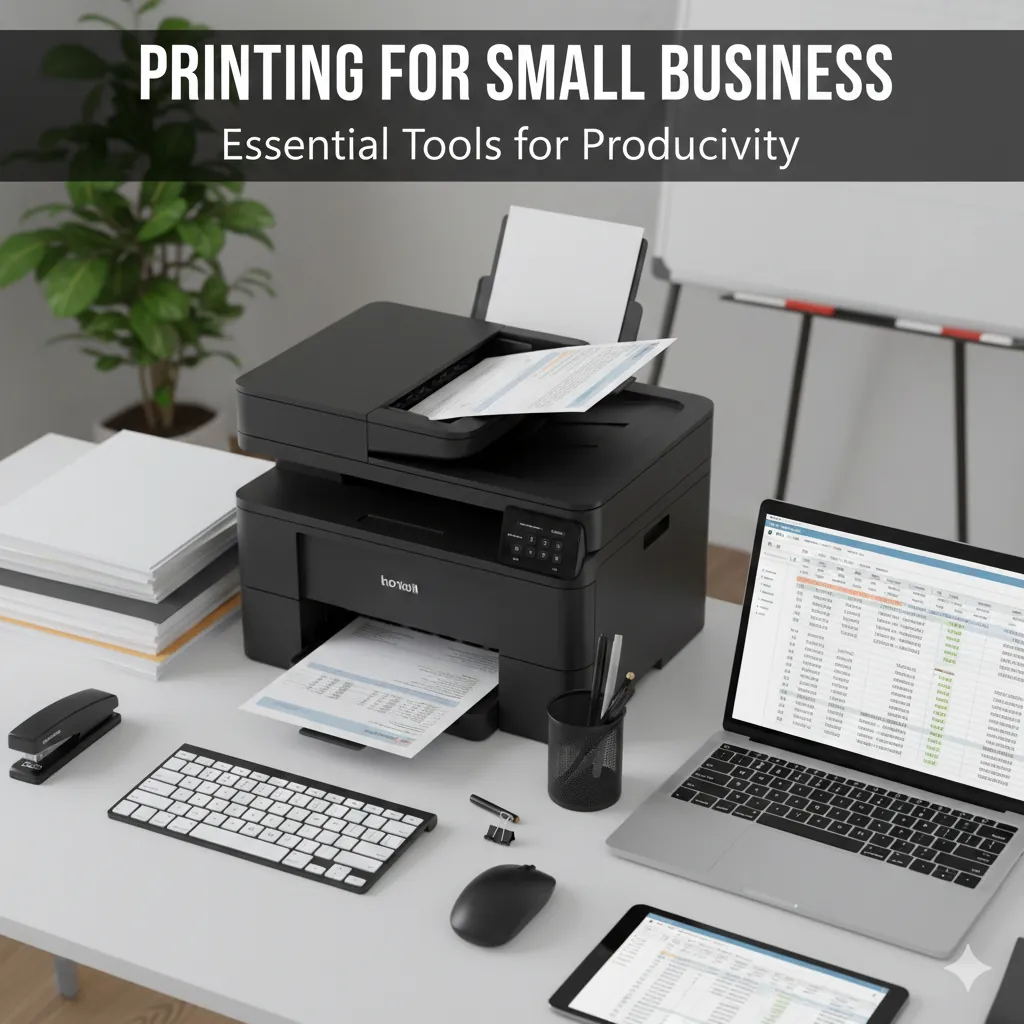
Running a small business requires efficiency, reliability, and the right tools to keep daily operations flowing smoothly. Among those tools, a high-quality printer plays a crucial role. Whether you’re printing invoices, contracts, reports, marketing materials, or shipping labels, choosing the right printing setup directly impacts your productivity and long-term costs.
Small businesses often struggle with slow printers, expensive ink usage, and frequent breakdowns. The goal of this guide is to help you create a professional, cost-efficient, and high-performance printing environment—without overspending.
1. Why Printing Matters for Small Businesses
Printing is often overlooked, but it affects your professional image, efficiency, customer communication, and record-keeping.
Workflow
Reliable systems ensure faster workflows and less downtime.
Professionalism
High-quality invoices and proposals build trust with clients.
2. Choosing the Right Printer
Not all printers are designed for business usage. Evaluate your print volume, type of work, and budget.
A) Laser Printers
Best for: High-volume text printing
- • Low cost per page
- • Fast printing speeds
- • Long-lasting toner
- • Crisp, clean text
B) Color Laser Printers
Best for: Marketing & Branded Documents
- • Vibrant color output
- • Professional-quality graphics
- • Great for flyers and presentations
C) Inkjet All-in-One Printers
Best for: Small offices needing flexibility
- • Better for photos and color graphics
- • Compact & Lower upfront cost
- • Multi-function (print, scan, copy)
3. Essential Printing Tools for Productivity
A) High-Yield Ink/Toner
Choose XL cartridges to reduce cost per page and frequency of replacements.
B) Auto Duplex Printing
Double-sided printing saves paper, speeds up jobs, and looks professional.
C) Automatic Document Feeder (ADF)
A must-have for hands-free scanning and copying of multiple pages.
D) Wireless & Cloud Tools
Wi-Fi, Mobile printing, AirPrint, and cloud apps are essential for modern teams.
E) Business-Grade Paper
Quality paper enhances clarity and customer perception.
F) Maintenance Kits
Replacing drums and fusers prevents breakdowns in laser printers.
4. Cost-Saving Strategies
- 1Use Draft Mode: Great for internal notes and drafts.
- 2Default to Black & White: Color costs significantly more.
- 3Buy High-Yield: XL cartridges deliver the lowest cost per page.
- 4Right Printer Match: Don't use an inkjet for high-volume text printing.
5. Productivity Features to Look For
High Print Speed
25–40 ppm
Ethernet
Stable Networking
Cloud Support
Remote Printing
Touchscreen
Easy Controls
Security
Secure Release
6. Common Problems & Fixes
Paper Jams
Clean rollers, use proper paper, don't overload trays.
High Consumable Costs
Switch to draft mode, reduce color usage.
Slow Printing
Update drivers, use wired connection, check resolution settings.
7. Creating a High-Productivity Workflow
- Centralized Printing: Network printers for easy team access.
- Print Policies: Limit color/single-sided printing.
- Scheduled Maintenance: Monthly checkups prevent downtime.
- Supply Organization: Keep extra toner and paper ready.
8. Best Recommendations
Equip Your Business for Success
Choosing the right printer and tools is essential for productivity. A well-selected system helps you print faster, reduce costs, and maintain high-quality output.
Shop Business Printers