How to Save on Printing Costs Without Compromising Quality
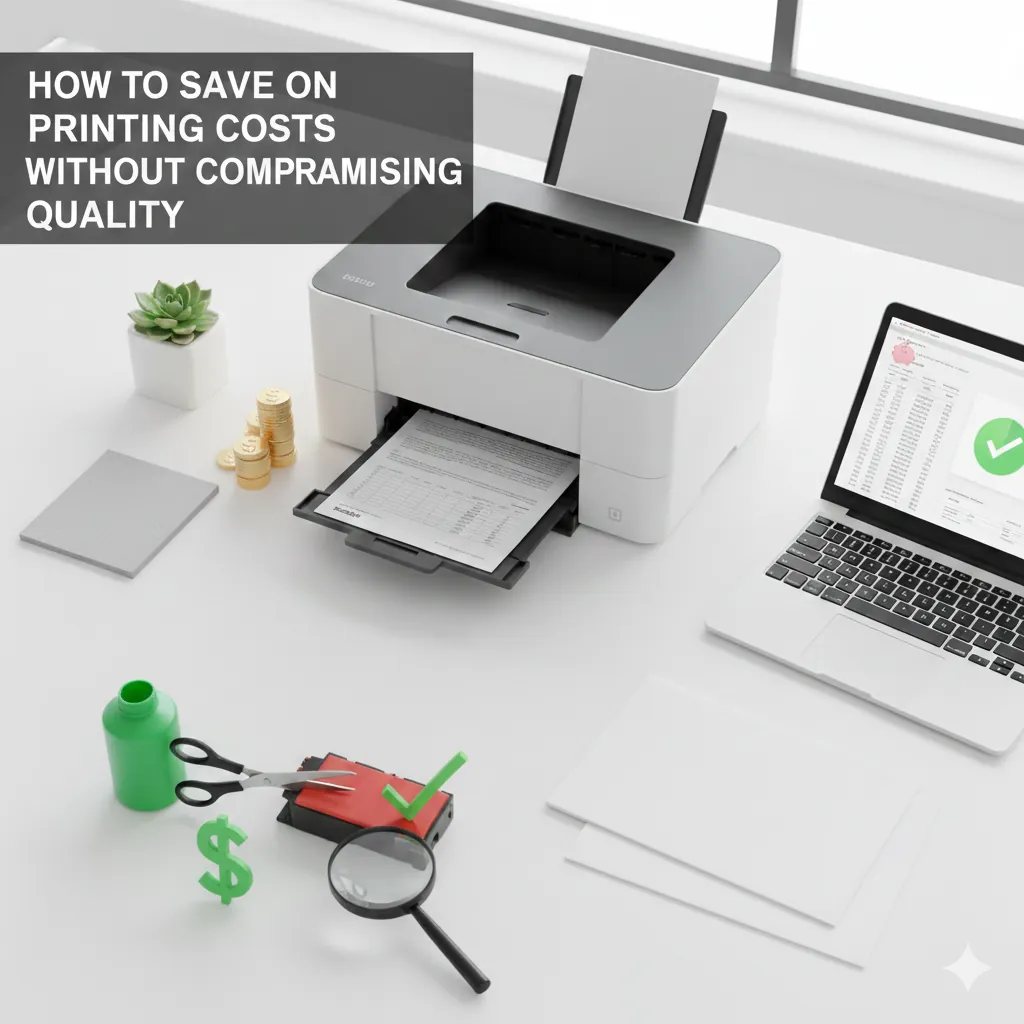
Printing is essential for homes, students, remote workers, and small businesses—but it can also become surprisingly expensive. Ink, toner, paper, maintenance, and misprints can quickly add up if you’re not careful. The good news is that you don’t need to sacrifice print quality to reduce your overall printing expenses.
With the right strategies, you can significantly cut costs while still producing clean, sharp, and professional prints. This comprehensive guide covers smart cost-saving methods, printer settings, cartridge strategies, and best practices that help you save money—without hurting print quality.
1. Why Printing Costs Add Up
Before we get into the solutions, it’s important to understand the main causes of high printing costs:
High Ink & Toner Prices
Inkjet cartridges, especially color ones, can be costly, and some printers consume ink even during maintenance cycles.
Printing in Color When Not Needed
Color printing uses multiple cartridges, increasing cost per page.
Frequent Misprints
Incorrect settings or low-quality paper cause wasted paper and ink.
Low-Yield Cartridges
Standard cartridges require more frequent replacements compared to XL or high-yield cartridges.
Knowing these causes makes it easier to apply targeted solutions.
2. Switch to Draft or Eco Mode for Everyday Printing
Most printers include an ink-saving mode known as Draft Mode, Eco Mode, or Fast Mode.
Why It Works
Draft mode uses significantly less ink while still producing readable documents. It speeds up printing and lowers long-term costs.
Best Uses:
- Internal documents
- Notes & School worksheets
- Emails & Webpages
3. Use Black & White Printing Whenever Possible
Color prints cost 3–5× more than black-and-white pages. Switching to grayscale when color isn’t necessary saves huge amounts of ink.
- Invoices
- Reports & Forms
- Text-heavy documents
Unless color is required for charts or visuals, grayscale should be your default.
4. Use High-Yield & XL Cartridges for Best Value
Why XL Cartridges Save Money
High-yield (XL or XXL) cartridges offer more ink at a significantly lower cost per page.
- Lower cost per print
- Last longer between replacements
- Less environmental waste
Cost Effective
More upfront, less long-term
5. Choose a Cost-Efficient Printer
For Occasional Use → Inkjet
- Individual color cartridges (so you only replace what runs out)
- Good standby efficiency
- Affordable replacements
For Heavy Use → Laser
- Low toner usage per page
- Better for high volume
- Can cut costs by up to 60%
6. Enable Automatic Duplex Printing
Fact: Double-sided printing can cut paper costs by up to 50% without affecting print quality.
Ideal for office reports, long documents, and school projects. Ensure it's enabled in your settings.
7. Use Ink-Saving Fonts
Did you know fonts impact ink usage? Thinner fonts use less ink.
✅ Good Fonts:
- Century Gothic (Best)
- Times New Roman
- Calibri
- Ecofont
❌ Avoid:
- Arial
- Franklin Gothic
- Helvetica
- Impact
8. Print Only What You Need
Avoid printing ads, footers, and unwanted images.
- Print Selection Mode: Highlight only the text you need in a browser or document, then choose "Print Selection".
- Print to PDF First: Preview exactly what will print to catch wasted blank pages or ads.
9. Use Reputable Compatible Cartridges
Brand-name cartridges aren't the only option. Compatible cartridges from trusted suppliers like Smart ePrinting offer:
10. Quick Tips for Maximum Savings
Store Ink & Toner Properly
Cool, dry place. Keep ink upright.
Use High-Quality Paper
Cheap paper causes jams and ink bleeding (wasted prints).
Reduce Color Usage
Use grayscale for formatting, charts, and text.
Power Management
Leave printers on for daily use to avoid ink-wasting cleaning cycles on startup.
Use Page Count Tools
Monitor your usage habits.
Print in Batches
Reduces warm-up energy and cleaning cycles.
Start Saving Today
Saving on printing costs doesn’t require sacrificing quality. With the right settings, smart cartridge choices, and efficient habits, you can dramatically lower your expenses.
Find Efficient Printers