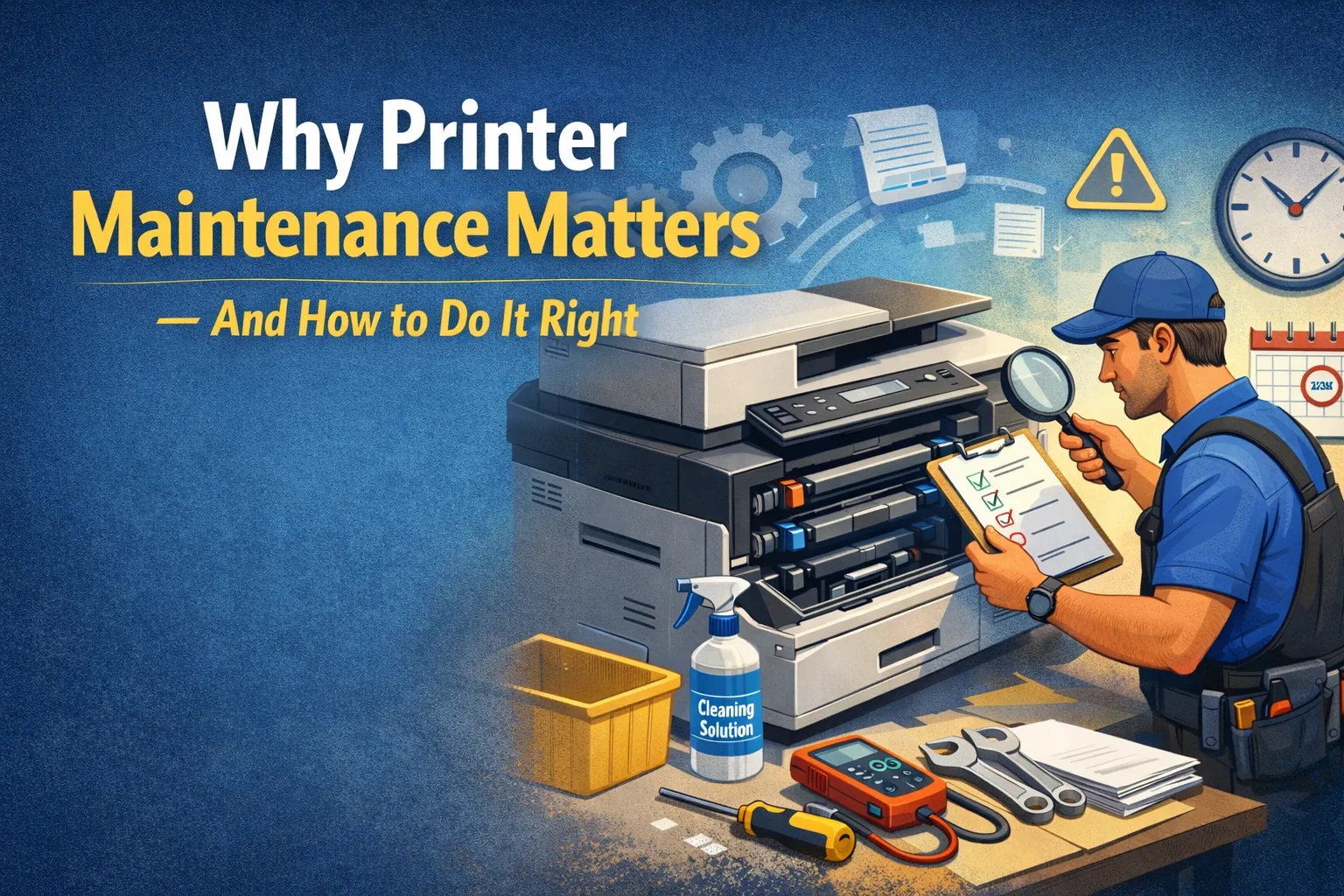
Why Printer Maintenance Matters — And How to Do It Right
Printers play a crucial role in home offices, small businesses, and professional environments. Yet many users only pay attention to their printer when something goes wrong — a paper jam, faded print, streaky colors, or connection issues. The truth is, like any machine, a printer needs regular care to function at its best.
In this comprehensive guide, we’ll explain why printer maintenance is essential, how it improves performance, and the step-by-step actions you should take to keep your printer running smoothly. Whether you use an inkjet or laser printer, these practices will help extend the life of your device, reduce costs, and avoid unnecessary downtime.
1. Why Printer Maintenance Matters
A) Prevents Unexpected Breakdowns
Printer issues often arise at the worst possible times. Regular maintenance helps prevent:
- Paper jams
- Ink/toner clogging
- Roller wear
- Cartridge issues
- Dried printheads (inkjet)
- Fuser problems (laser)
A maintained printer is far less likely to stop working unexpectedly.
B) Saves Money in the Long Run
Ignoring maintenance leads to costly repairs or premature printer replacement. With basic upkeep, you can:
- Reduce ink and toner waste
- Avoid repeated service calls
- Extend the device’s lifespan
- Improve printing efficiency
A well-maintained printer costs significantly less to run over time.
C) Improves Print Quality
Good maintenance ensures consistently sharp, clear prints. It prevents:
D) Boosts Productivity
A poorly maintained printer slows down your workflow. Regular care means:
- Fewer interruptions
- Faster printing
- Smoother operation
E) Enhances Device Longevity
Printers can last many years when properly maintained. Neglect causes:
- Early roller wear
- Overheated components
- Printhead failure
2. Inkjet vs Laser: Maintenance Differences
Understanding the type of printer you own helps determine the right maintenance strategy.
Inkjet Printer Maintenance
Inkjet printers require more frequent care because they use liquid ink, which can dry up.
Typical Tasks:
- Cleaning the printhead
- Running nozzle checks
- Using the printer at least once a week
- Keeping cartridges sealed when not in use
Laser Printer Maintenance
Laser printers rely on toner powder, which doesn’t dry. Maintenance is less frequent but more mechanical.
Typical Tasks:
- Cleaning paper rollers
- Checking toner levels
- Replacing the drum unit (if separate)
- Cleaning the fuser area
3. Essential Printer Maintenance Tasks
AClean the Exterior Regularly
Dust is one of the biggest threats to printer health.
- Use microfiber cloth
- Avoid abrasive cleaners
- Keep vents clear
BClean the Printhead (Inkjet Only)
The printhead sprays ink. When clogged, prints are streaky. Clean using built-in options or manually if needed.
Tip: Run a nozzle check once per week if you don't print regularly.
CReplace Cartridges Before Failure
Printing with empty cartridges strains the printhead. Replace when prints fade or "low ink" alerts appear.
DKeep Paper Path Clean
Prevent jams by removing debris, checking rollers for wear, and gently wiping rollers with a lint-free cloth.
EUpdate Firmware & Software
Always update firmware, drivers, and apps to ensure compatibility and fix bugs.
FUse the Right Paper Type
Avoid:
- • Damp or curled paper
- • Incorrect sizes
- • Very cheap paper (creates dust)
Prefer:
- • Quality copy paper
- • Photo paper for photos
- • Manufacturer-recommended choices
GKeep Your Printer in a Good Environment
- Temp: 20–25°C
- Low humidity
- Away from sunlight
- Away from dust
4. Advanced Printer Maintenance Tips
Run Diagnostic Tools
Found in control panels or drivers. Use nozzle checks, calibration, cleaning cycles, and alignment tests regularly.
Store Ink/Toner Properly
Cool, dry place in original packaging. Keep ink upright; avoid moisture for toner.
Avoid Overloading Trays
Too much paper causes jams. Stick to recommended limits.
5. Maintenance Checklist
| Monthly Tasks | Every 3–6 Months | Yearly Tasks |
|---|---|---|
|
|
|
6. Signs Your Printer Needs Maintenance
7. Common Myths (Debunked)
“Printers don’t need maintenance unless broken.”
Regular cleaning prevents future problems.
“Cheap ink is just as good.”
It may cause leaks, clogging, or poor print quality.
“Running cleaning cycles wastes ink.”
Not running them causes clogs and wastes even more.
Conclusion: Maintain Your Printer, Protect Your Productivity
Your printer is a long-term investment. Regular maintenance ensures smooth performance, lower costs, and longer device life.
Smart ePrinting provides reliable printers, ink, toner, and accessories to support your everyday needs. Combine quality supplies with proper maintenance for optimal results.
Get Quality Supplies