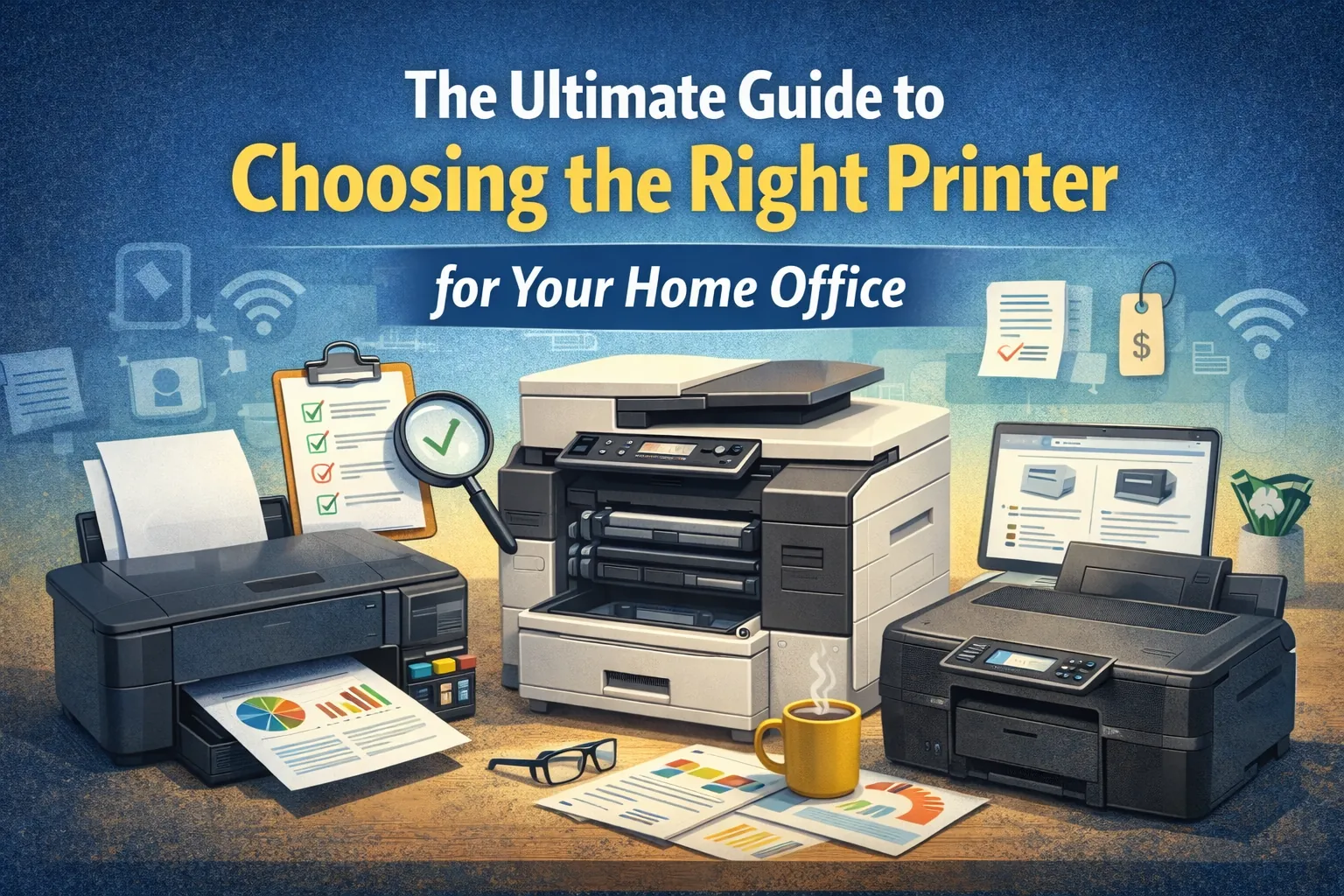
The Ultimate Guide to Choosing the Right Printer for Your Home Office
Setting up a productive home office requires the right tools, and one essential device you cannot overlook is your printer. Whether you're managing documents, printing invoices, scanning contracts, or simply printing schoolwork, the right printer can save time, improve workflow, and ensure consistent output whenever you need it.
But with so many options available—inkjet, laser, multifunction, wireless, all-in-one, compact printers, and more—choosing the perfect one can feel overwhelming. This Ultimate Guide is designed to simplify the process by breaking down exactly what you need to consider before purchasing a home office printer.
This guide will help you:
- Understand the types of printers
- Identify what features matter for home office use
- Compare inkjet vs laser
- Evaluate print speeds, duty cycle, and page yield
- Know which printer to choose based on workload
- Select budget-friendly options without losing quality
- Avoid common buying mistakes
1. Understanding Your Printing Needs
Before exploring printer categories, ask yourself the following questions:
✔ What will you print most often?
Documents, photos, labels, school assignments, or business forms?
✔ How much will you print? (Daily, weekly, monthly)
Knowing your print volume helps determine whether you need a basic inkjet or a high-capacity laser printer.
✔ Do you need scanning or copying?
If yes, a multifunction/all-in-one printer is ideal.
✔ Do you prefer wireless or USB connectivity?
Most home office printers today support wireless printing from laptops, smartphones, tablets, and cloud services.
✔ Do you need color prints, or is black-and-white enough?
Color printers cost more to operate, so only choose one if you truly need color output.
2. Inkjet vs Laser Printers: Which Is Better for Home Offices?
The most important decision when choosing a printer is selecting between inkjet and laser technology. Each has its advantages depending on your use-case.
Inkjet Printers
Inkjet models use liquid ink sprayed through microscopic nozzles onto paper.
Best For:
- • Photos
- • Color graphics
- • Occasional printing
- • Home users needing versatility
Advantages:
- • Excellent photo quality
- • Ideal for printing color documents
- • Lower upfront cost
- • Compact designs
Disadvantages:
- • Ink can dry up if not used regularly
- • Higher cost per page
- • Slower printing compared to laser
Laser Printers
Laser printers use toner powder and fuser technology to produce clean, crisp prints.
Best For:
- • High-volume printing
- • Sharp text documents
- • Business tasks
- • Fast printing needs
Advantages:
- • Much cheaper cost per page
- • Faster printing speeds
- • Durable toner (no drying issues)
- • Ideal for small offices and remote workers
Disadvantages:
- • Higher upfront cost
- • Color laser printers are more expensive
- • Larger size than most inkjets
| If You Need... | Best Choice |
|---|---|
| High-quality photos | Inkjet |
| Fast document printing | Laser |
| Low-cost printing | Laser |
| Occasional use | Inkjet |
| Heavy, daily office printing | Laser |
| Compact and budget-friendly | Inkjet |
3. Key Features to Look For in a Home Office Printer
A) Print Speed (PPM)
PPM = Pages Per Minute. If you print regularly, speed matters.
- Black & white: 20–30 ppm
- Color: 10–20 ppm
B) Print Resolution (DPI)
DPI = Dots Per Inch. Higher DPI = clearer images and text.
- Text: 600–1200 DPI
- Photos: 4800 DPI (inkjet)
C) Duty Cycle
Duty cycle = How many pages a printer can handle per month without wear.
Recommended: 1,000–5,000 pages/month minimum.
D) Connectivity Options
Must-have: Wi-Fi, Wi-Fi Direct, USB, Mobile printing. Optional: Ethernet, Cloud printing.
E) Scanner & Copier Functions
Look for Flatbed scanner, Auto Document Feeder (ADF), high-res scanning, and fast copying.
F) Automatic Duplex Printing
Double-sided printing saves paper and is environmentally friendly.
G) Cost of Ink or Toner
Check price of original cartridges, page yield, and availability of high-yield options.
H) Mobile Printing & App Support
Essential for remote workers using multiple devices and printer companion apps.
4. Choosing a Printer Based on Workload
For Light Home Use (Occasional printing)
For Medium Workload (Home Office / Remote Work)
For Heavy Workload (Small Business / Daily Use)
5. Hidden Costs to Watch Out For
Many users buy a cheap printer and later regret costly refills. Watch for:
- Cost per page (CPP): Laser printers usually win here.
- Replacement frequency: Long-lasting cartridges = fewer replacements.
- Maintenance kits: Laser printers may need fuser or drum replacement after high usage.
- Ink drying (inkjets): If unused for weeks, ink can dry out and require replacement.
6. Smart Printing Features Worth Having
Modern printers include smart features that help productivity:
7. Common Printer Buying Mistakes to Avoid
Choosing the cheapest printer
Cheap printers can become expensive due to ink costs.
Ignoring cartridge compatibility
Always check what cartridges the printer uses.
Choosing the wrong type
Select based on your print volume and color needs (inkjet vs laser).
Not considering future needs
Buy a printer that supports growth.
8. Best Recommendations Based on Your Needs
Best for Home Use
Inkjet All-in-One
- Wireless, compact
- Good photo quality
Best for Remote Pros
Color Laser Printer
- Fast printing
- Duplex & ADF
- Mobile app support
Best for Small Business
High-speed Mono Laser
- High-yield toner
- Ethernet + Wi-Fi
- High duty cycle
10. Conclusion: Choose Smart, Print Smarter
Choosing the right home office printer doesn’t have to be confusing. When you understand your printing habits, workload, and budget, selecting the perfect device becomes simple.
At Smart ePrinting, we help customers find printers, ink, toner, and accessories that offer great performance at the right price — without the hassle.
Find Your Perfect Printer